
Discover Live Blog's Features:
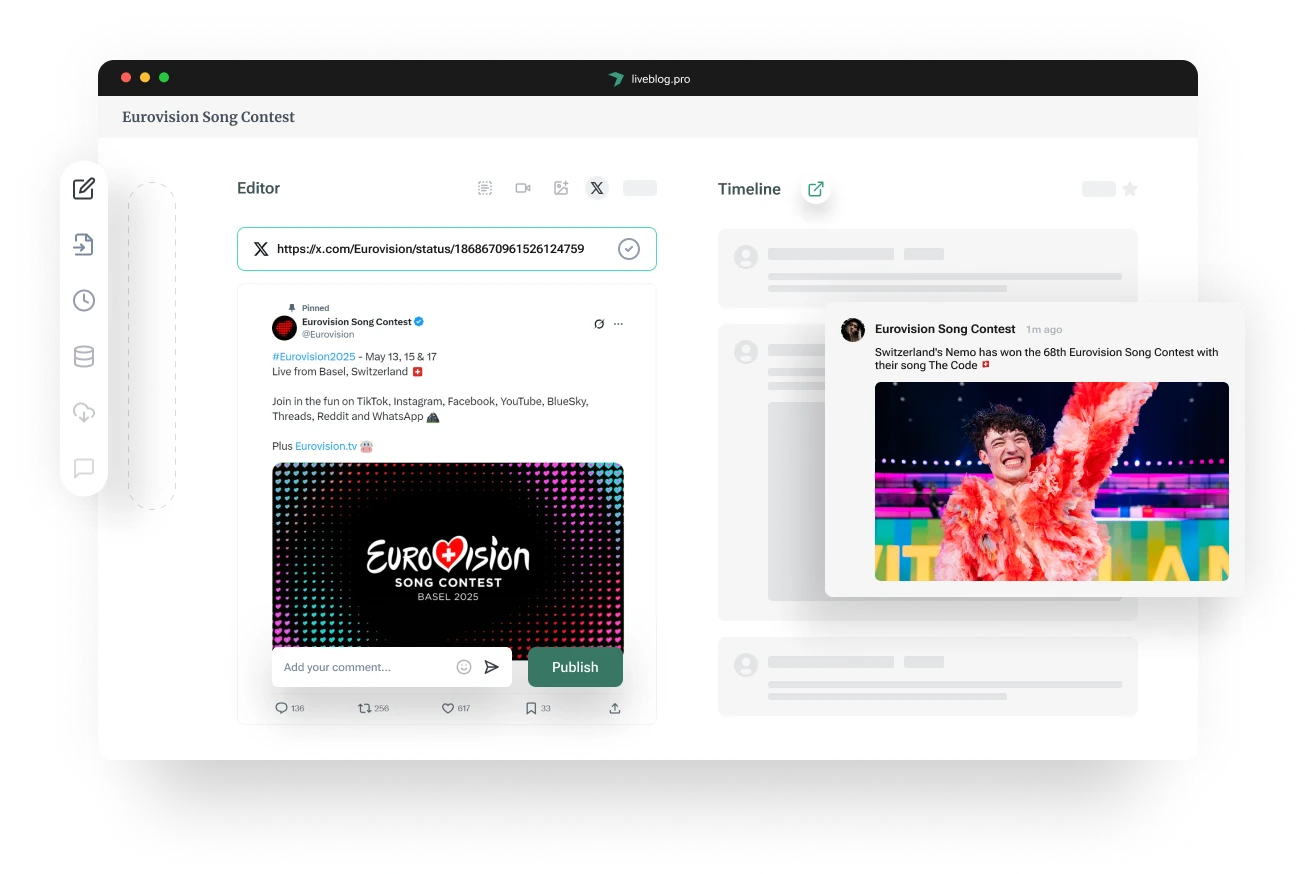
Live Blog provides you with a versatile live blogging platform, perfect for real-time reporting. Contribute to your live blog from anywhere, enrich your posts by integrating social media and adding images and visuals, and improve your website's visibility in organic search results.
Manage your Live Blog on the go
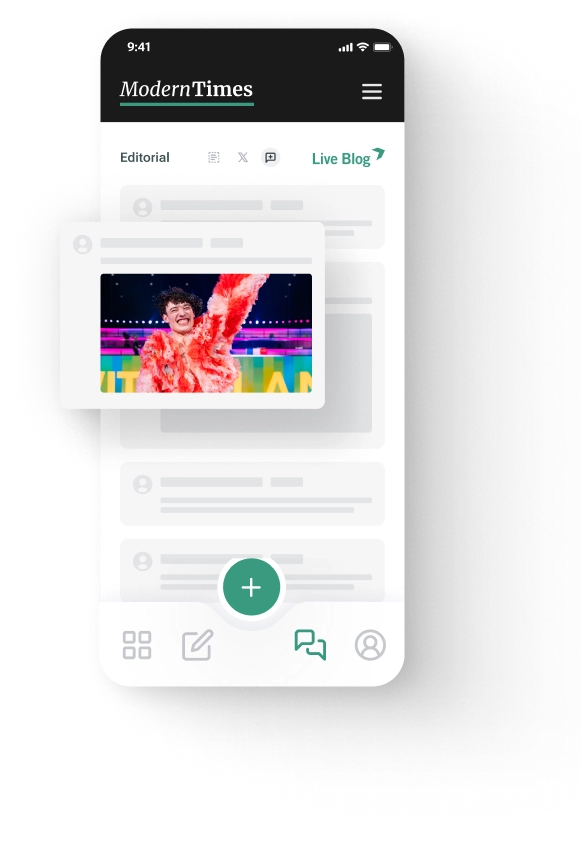
Live Blog's Reporter App allows for your live blog team to contribute directly from their mobile phones, no matter where they are. Download the Live Blog Reporter App to your iPhone or Android device, log in with the same credentials you use for your Live Blog instance, and contribute to your assigned blogs straight away.
Enhance your Live Blog with social media integration
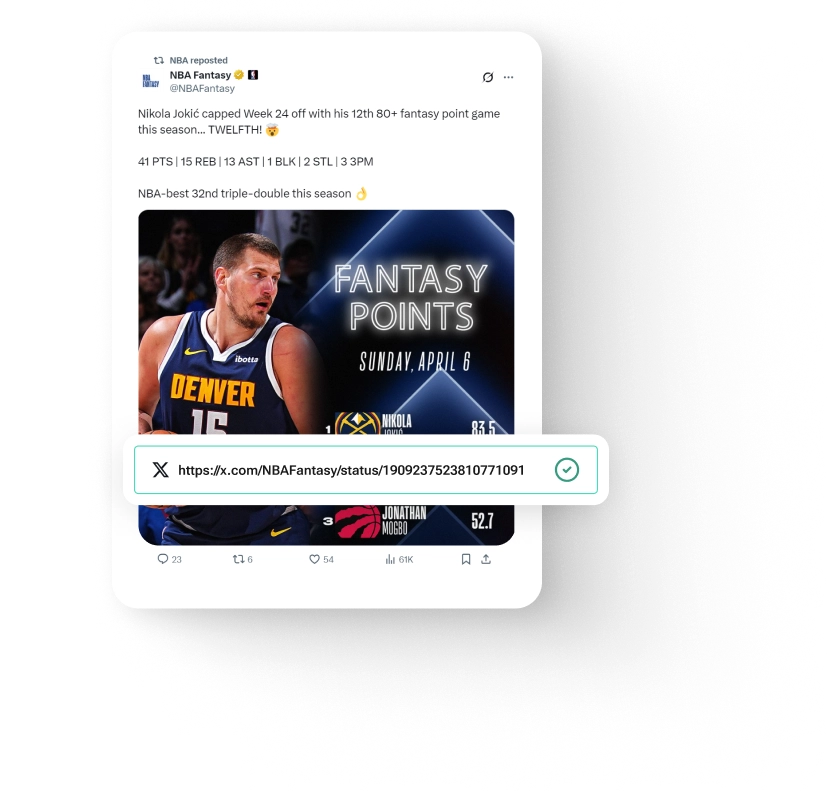
To embed social media content into your Live Blog, simply copy and paste the social media post's URL (or embed code), paste into the Live Blog editor, and publish. Live Blog relies on embed.ly, a service that provides access to 400+ social media content providers, such as YouTube, Instagram, X, and Facebook. This integration keeps your updates fresh and engaging, providing a diverse and interactive experience for your audience.

Engage Readers with Eye-Catching Visuals
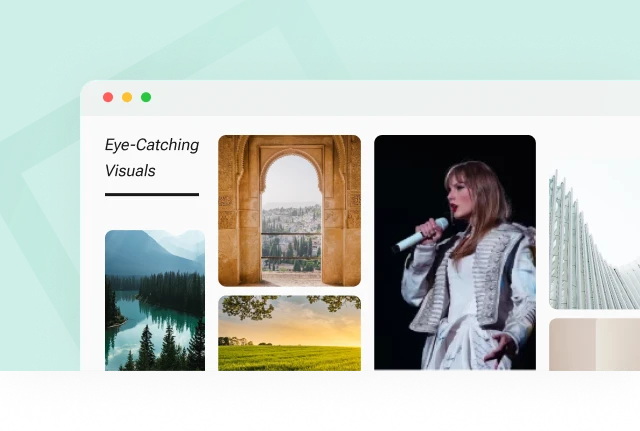
Deliver a multimedia experience by including image slideshows, video streams and other types of multimedia in your feed. For example, while covering a music festival, you can create a dynamic multimedia feed that features a photo gallery of the artists in action, along with videos of standout concert performances and behind-the-scenes moments.
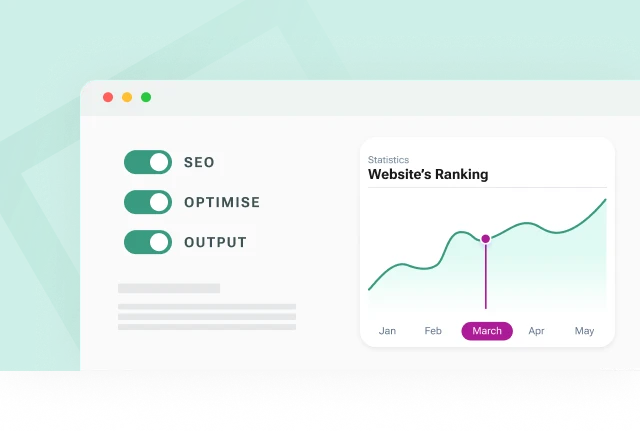
Improve your website's ranking
With Live Blog, you can optimise your website's SEO by displaying your live blogs as native content using Edge Side Includes injection. This significantly benefits the SEO of your live blog page, leading to a better position in search results.
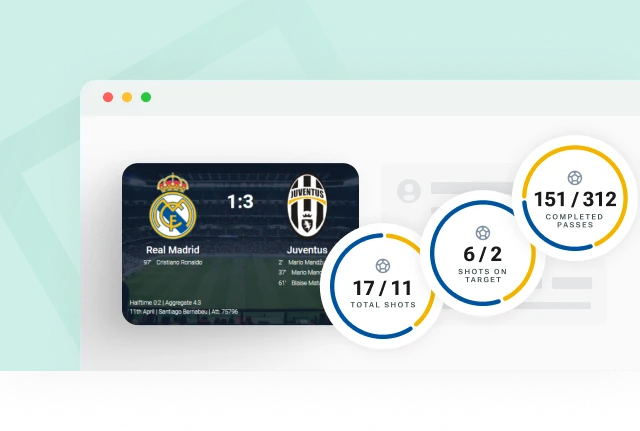
Let your audience easily follow game moments
Live blogging a sporting event requires data to be presented in comprehensive and engaging ways. We've developed the Scorecard feature to help your readers keep track of the score and key moments in the match.
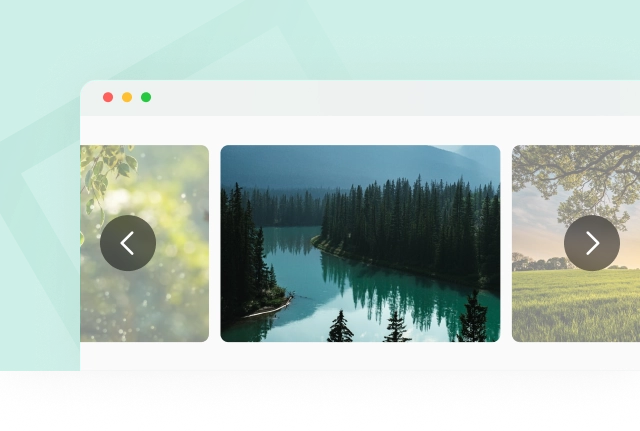
Showcase events with image slideshows
Oscar night, fashion shows, and Carnival: these are just some of the events where images are one of the main points of interest for a live blog audience. With the image slideshow feature it's easy to arrange multiple images and present them as a photo collection to your readers.
Involve your audience
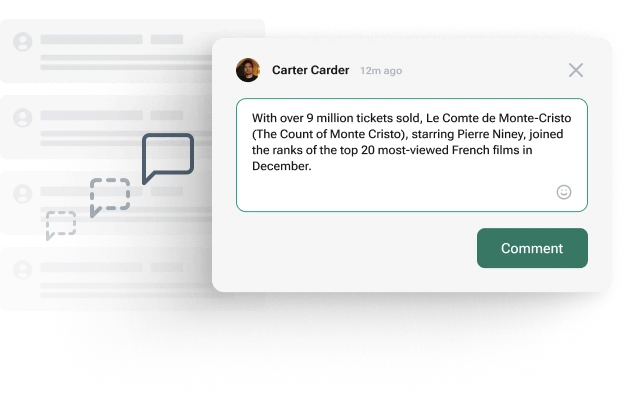
Live Blog's user commenting function allows you to incorporate direct feedback in real time. Readers can share their opinions on the event you're covering, contribute valuable information and provide you with eyewitness reports. The user commenting feature is also available for the AMP output, so your readers can directly engage with your live blog through their mobile phones.
Unleash your creativity with custom post types
* Not available for Live Blog Solo
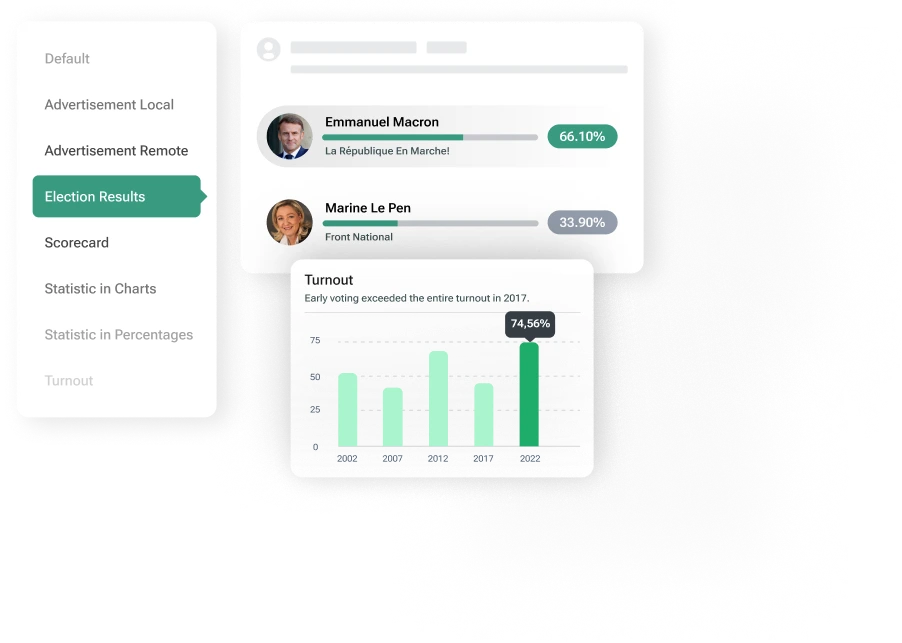
Our Free Types Manager allows you to create unique post types so that you can best cover your event. All you have to do is develop an idea of how best to present an aspect of your event and then, using some basic HTML knowledge, create your own custom post type to carry it out. Let's say you were planning to cover an election — you could develop a custom post type to create a table tracking each party's results, updated in real time.
Track your Live Blog's performance with analytics
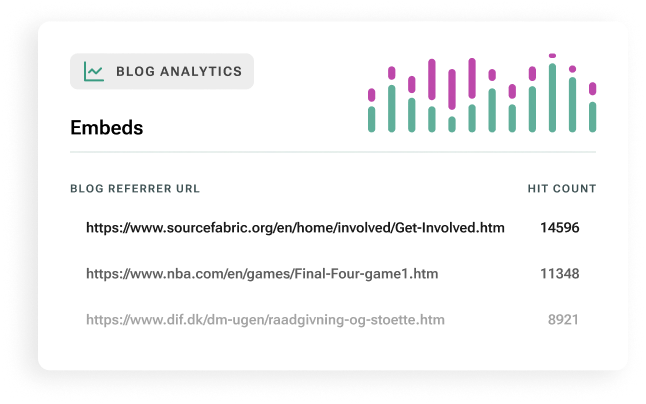
Live Blog's Analytics feature allows you to track the unique pageviews your live blog receives in each place your blog is embedded. Get clear insight into which embeds are driving the most traffic, so you can make smarter editorial and distribution decisions.
Customize Live Blog to match your site's design
* Not available for Live Blog Solo
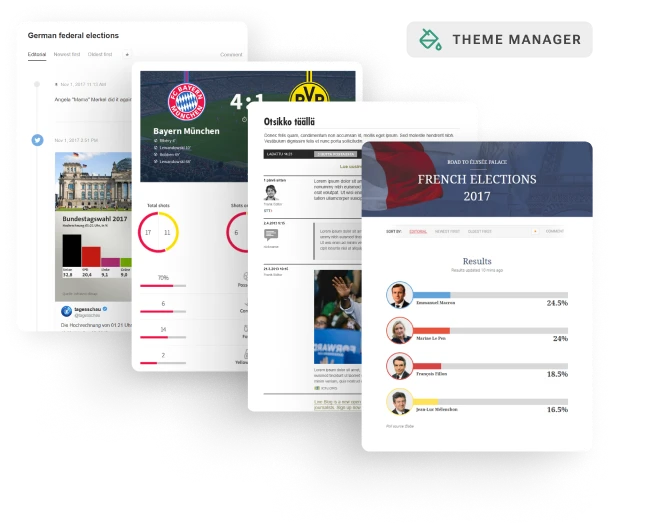
Live Blog's multiple themes allow you to use one Live Blog instance across different sites and devices. We've made our theme management even more versatile by allowing you to override certain components in your chosen theme while still maintaining desired elements.
Monetize your Live Blog with native and remote ads
In general
In terms of unique visitors and average time spent on a page, many live blogs are more successful than regular news articles. However, since it requires two to three editors to properly cover an event and curate social media content at the same time, live blogging can also be an expensive format.
Ways to monetize
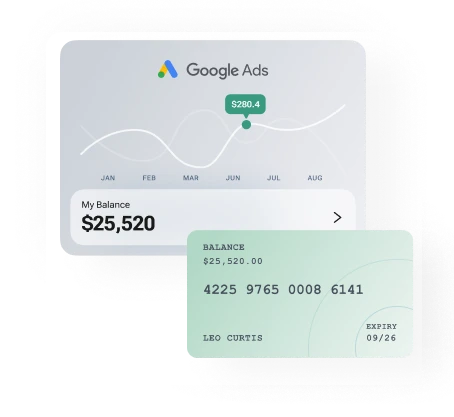
One way to monetise your live coverage is by integrating native or remote ads into your live blog's timeline. Our post types allow you to either add an advertisement zone from your ad provider into a post and publish it to the timeline, or create a native ad consisting of text, image and a link target. Both forms of ads are also configurable in the AMP theme, meaning readers can also engage with ads on their phones.

Deliver News as It Happens
Book your free demo and explore how Live Blog can help you engage readers in real time and deliver live updates as events unfold.